Connect through Link
Use a compatible console and connection. Check the hardware guide before setting up your device.
Original hardware. New connections.
A Wi-Fi device for the GBA Link port. Play homebrew built with the CanoFlash SDK and keep your loading and save tools on the console.
Back us on KickstarterNow live on Kickstarter. Choose your reward and support the first production run.
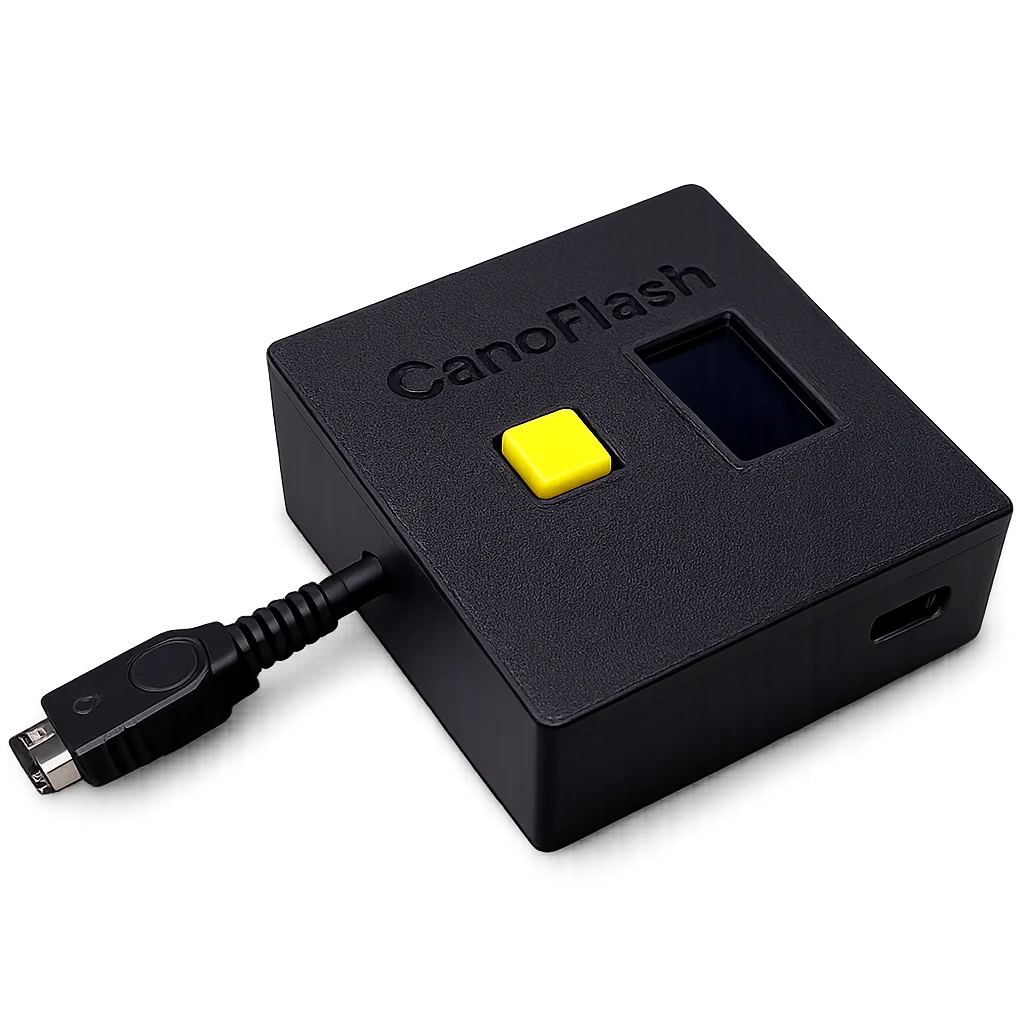
Use a compatible console and connection. Check the hardware guide before setting up your device.
Link the device to your account using its serial number, and configure a 2.4 GHz Wi-Fi network.
For online play, use a game built with the CanoFlash SDK. Each player needs their own configured device.
Your existing tools, still here
Organise ROM repositories, load games and manage saves with CanoFlash. Writing to a cartridge requires a compatible writable cartridge; it is separate from SDK online compatibility.
Device and ROM loading demo. This video does not demonstrate SDK online multiplayer.
Before getting started
Check the connector and any required adapter for your console model.
Read guideFollow the battery guide for supported formats and installation.
Read guideKeep compatible firmware installed. The guides cover updates and troubleshooting.
Read guideBuilt for homebrew